



QUICK ANSWER
inurl:accomplish asks Google for results with “accomplish” in the page address. Pair it with your own domain’s site filter for a quick spot check, then use Search Console to verify individual URLs.
You rename an old guide in WordPress and update its title. A week later, you spot the old address in Google. Is a redirect missing, did the index keep an older version, or is the search query simply surfacing a URL that people would rarely see in an ordinary search?
Each answer leads to a different fix. The quickest way to sort them out is to check what Google returned, where the address takes a reader today, and what Search Console reports for that exact URL.
What inurl:accomplish checks
Imagine a blog you manage once put a series of planning guides under /accomplish/. The current series lives under /planning/. A search for site:example.com inurl:accomplish is a quick way to surface old-looking results before opening your site’s migration notes. Substitute your own domain for example.com.
Look at the address of each result. A page titled “How to Accomplish More in Less Time” may have a slug of /weekly-planning/. Meanwhile, a page with the title “Weekly Planning Guide” could still live at /accomplish/weekly-planning/. The old address is what matters in this audit. Google’s explanation of canonical URLs and search commands also gives a reason to check beyond the search results: a filtered result can surface an address that differs from the one Google selects as the main version.
Build the list from records you control
Start a small sheet with the old address, expected destination, actual destination and next action. For each Google result, copy the address before opening it. If it redirects, record where the browser lands. Keeping both addresses prevents a working redirect from looking like a vanished page when you review your notes later.
Round out the list with your old sitemap, WordPress records or redirect list. Those records can contain addresses that the Google query missed. Google’s site search operator guide explains why an indexed URL can still be absent from the filtered results. If the initial search returns zero matches, your own records are still worth checking.
Decide what should happen to each address
Use this example audit to separate ordinary maintenance from a change that needs closer checking.
| What you find on your site | What to check next |
|---|---|
| The old guide redirects straight to the updated guide | Check whether menus, related articles and the active sitemap use the updated address. |
| The old address redirects to a generic home page | Check whether a comparable guide exists and send readers there if it does. |
| The old and new addresses both open the same guide | Choose the address readers should use and check which version Google selects as canonical. |
| The old address returns a 404 | Look for a clear replacement. If the page was retired without one, remove old links that still send readers there. |
| The address works and still houses an active guide | Keep it if it serves readers well. An old word in the slug alone is a weak reason to move an active page. |
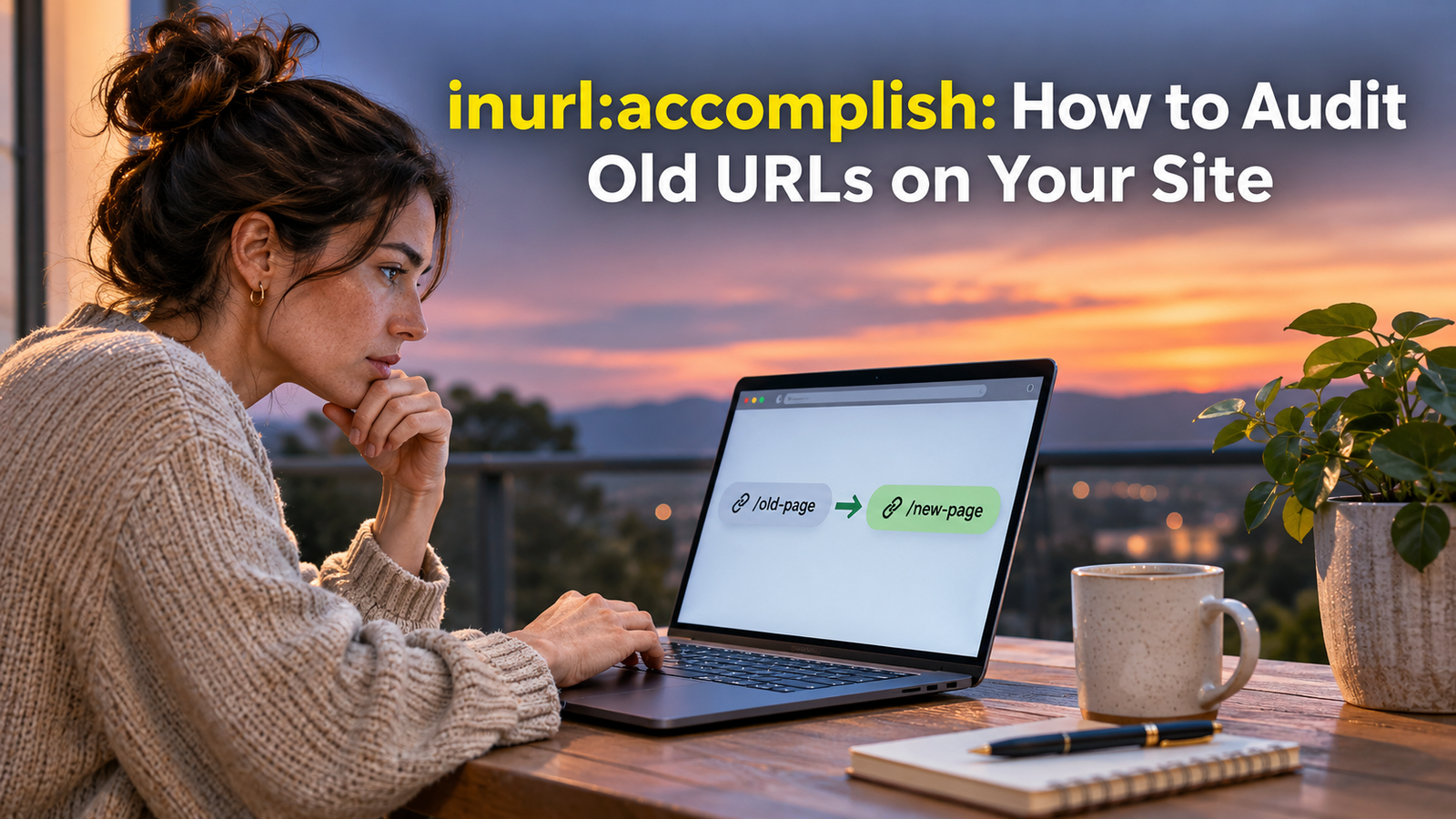
Consider /accomplish/weekly-planning/ and /planning/weekly-review/. If the first URL takes readers directly to the second and both guides serve the same purpose, the main change may be as simple as replacing old links in related posts. If the address ends at the homepage, a reader who expected a weekly review guide has to start over. Google’s site migration guidance recommends permanent server-side redirects for permanent moves and warns against sending many unrelated URLs to a single generic destination.
Confirm the old and new addresses in Search Console
Open the verified Search Console property that covers the URL. Paste in the complete old address, including the correct domain and path. Look at the last crawl information, the reported indexing state, and the canonical address if Google provides one. Then inspect the new URL separately. A redirect can work while the new destination has its own issue.
The default report reflects information from Google’s index. Test live URL checks the currently accessible version and is useful after a fix. A live test can help confirm that Google can fetch the current page. The indexed report is where you check what Google has already recorded, including its selected canonical. Google explains both views in its guide to inspecting a single page.
Finish with a reader’s check. Open the old address from an article or menu where it used to appear. If the destination still matches what the link promises, update the link to point there directly. Record the change in your sheet so the next editor knows why the two addresses appeared in the first place.
For related checks, see our guide to slugs after headline edits and guide to short URL search terms.
Frequently asked questions
Does inurl:accomplish search the page title?
It asks Google to match the word in the page’s address. A title that contains “accomplish” is a separate clue and tells you little about the slug.
Does a result prove the old page still loads?
Open the result and check where it lands. A listed address can take readers to a newer page. Inspecting both addresses in Search Console gives you more detail about Google’s current records.
Should I rename every slug that contains accomplish?
Keep working addresses when the content is still useful and the slug makes sense. Prioritise addresses that lead readers to broken pages, duplicates or the wrong destination.
How often should I repeat this audit?
Run it after a migration or a batch of permalink changes, then revisit addresses that still behave unexpectedly. A record of the exact URLs you checked makes the next review faster.

1 Comment
Pingback: inurl:demonstrates and the URLs Headlines Leave Behind