


QUICK ANSWER
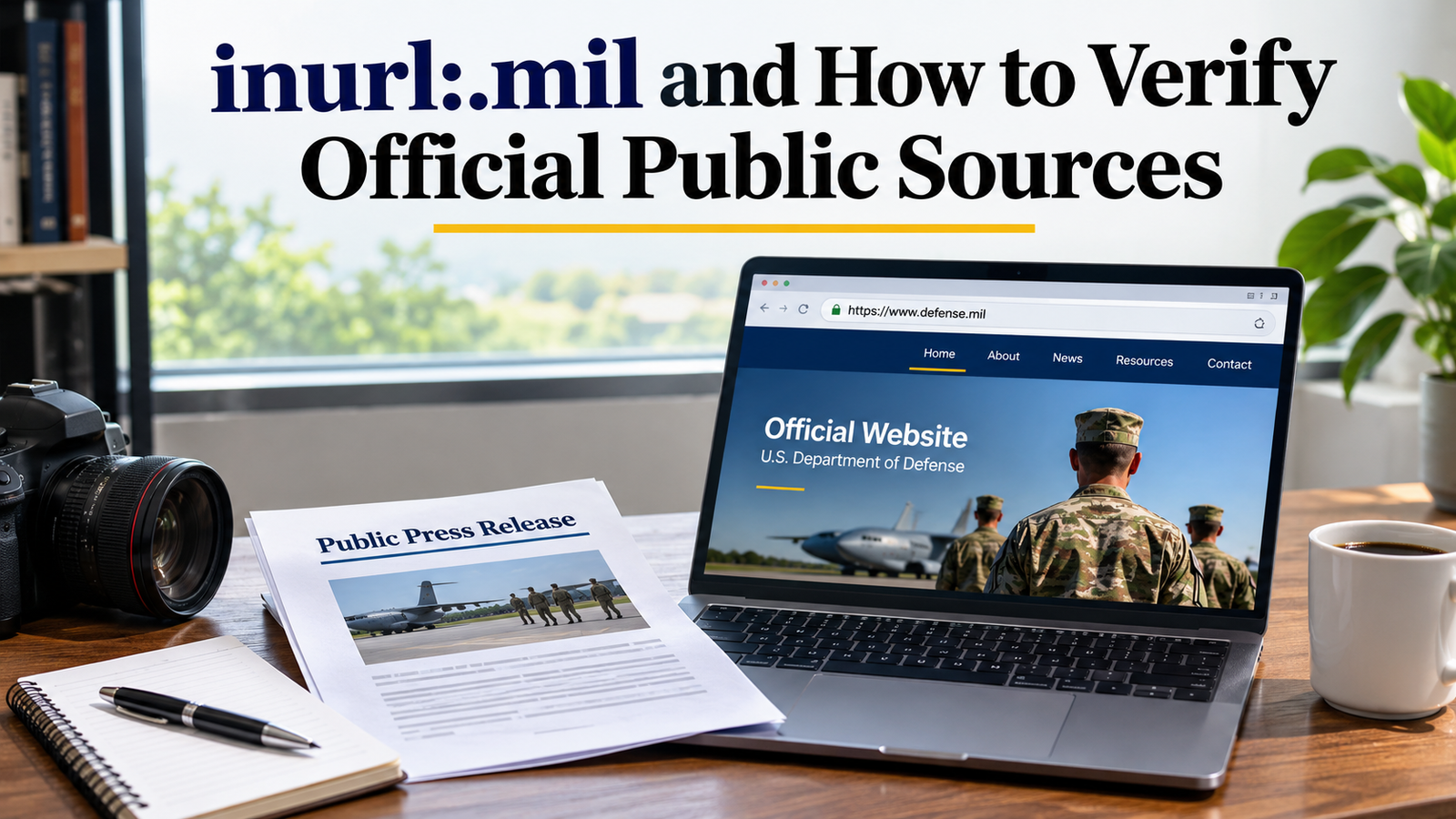
inurl:.mil is a URL-oriented search query, so a result alone does not establish who published the page. For a public U.S. military source, check the hostname, find the issuing office and confirm the date on the original page.
A news article quotes a military statement and links to a page whose address contains “.mil”. Before citing it, follow the link and ask a more useful question: Who published this version of the statement? An official webpage, a copy hosted by a news outlet and a public archive can all show the same words while offering different evidence about where those words came from.
What the query can tell you
The wording puts the emphasis on the address. An address includes several parts, such as the hostname and the path to the page. Seeing a string in the address is a starting clue. It helps very little once you need to establish the publisher or work out whether a notice is still current.
Google’s documentation on search operators explains that operator results depend on what Google indexes and retrieves. A search result can lead you to a useful public statement, but you may find a better copy by following the issuing organization’s own public news or publications navigation.
Read the hostname before reading the headline
The hostname comes after https:// and before the first slash that starts the path. In a public URL with a hostname ending in .mil, the ending is part of the domain name. In an address such as https://example.com/archive/example.mil, the hostname is example.com. Here, the ending appears in the path and says nothing about who controls the domain.
The Department of Defense instruction on internet domain names establishes .mil as the department’s top-level domain and describes its domain policy. For a concrete public example, the U.S. Army’s homepage is hosted at www.army.mil. The homepage and its public navigation give you a point of reference for verifying Army material independently of a link you received elsewhere.
| What you see | What to verify next |
|---|---|
| A public page under the expected official hostname | Identify the office that issued the material and check its publication date. |
| The text “.mil” appears after a slash on a different hostname | Treat the page as a reference or copy and look for the original publication. |
| An official page quotes another agency’s statement | Follow the attribution and check the original agency’s release for scope. |
| An official page has an older date and a later update | Check what changed and which version supports your claim. |
Check the date and context on the public page
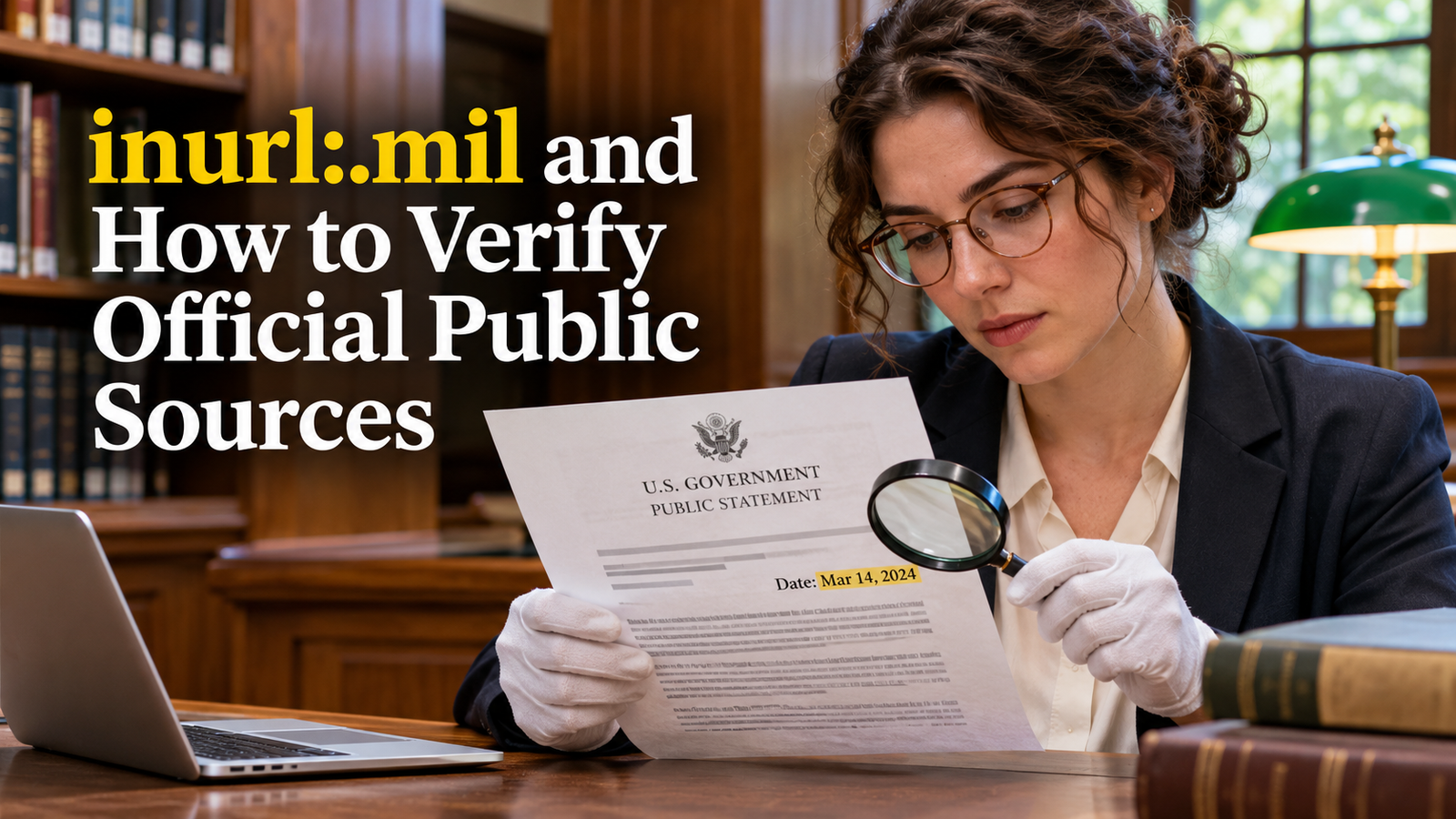
For a public announcement, record four details: the issuing office, the document title, the page date and the sentence that supports your claim. A page can be official and still describe a narrow policy, a past event or a decision that was later revised. A paragraph about one office or a limited programme can be misleading if quoted as a department-wide rule.
When a page changes, distinguish its publication date from its update date. Also distinguish both from the date of the event it describes. Google’s guide to publication and update dates explains why a search result may display an estimated date and why publishers should label dates clearly. The source page and the document text are where you resolve the distinction for a citation.
If you are checking a second-hand quote, search the organization’s public site by the statement title or a short distinctive phrase. Then compare the wording in context. If the original cannot be located, describe the copy accurately in your notes and attribute it to the page you could actually read.
For related checks, see our audit of old URLs and guide to short URL search terms.
Frequently asked questions
Does inurl:.mil prove a page is official?
Check the hostname and the issuing organization directly. The query wording alone cannot authenticate a page or establish the scope of a statement.
Why should I check the address after opening the link?
A citation or search result can send you through a redirect. The hostname in the browser after navigation shows where the page you are viewing is actually hosted.
Can an old public statement still be useful?
Yes. It can document what an organization said at that time. Cite its original date and check for later material when your article makes a present-day claim.
What should I save for a citation?
Save the original public URL, the document or page title, the issuing office and the relevant date. Keep the supporting passage with your research notes.
