


QUICK ANSWER
inurl:wet is written as a search query for URLs associated with the term “wet.” For your own site, filter your URL inventory and use Search Console to check visibility or inspect individual pages.
A weather editor changes the headline “A Wet Weekend Ahead” to “Showers Likely Through Sunday.” The headline changes, but the address can still end in wet-weekend. Elsewhere on the same site, a wetlands feature uses those same first three letters in its address. To a reader, the stories have little in common. To an editor looking for a string inside a URL, both are worth sorting through.
That small difference matters when making a list of seasonal stories to update. A URL search gives you leads. The address, current headline and page content tell you whether each lead belongs on the list.
What does inurl:wet mean?
The part before the colon signals that the search is aimed at the address. The part after it supplies the term. A URL might keep an old phrase after the headline changes, and a story about rain might have an address that never uses the word “wet.” Whether the two line up depends on how the publisher named the page.
Google explains that search operators are subject to indexing and retrieval limits. Its overview documents operators such as site: and recommends URL Inspection for more reliable debugging on a site you manage. The overview does not specify the matching rules for inurl:. Avoid assuming it mirrors a spreadsheet’s text filter or recognizes the same word boundaries.
Why “wet” is a tricky term to count
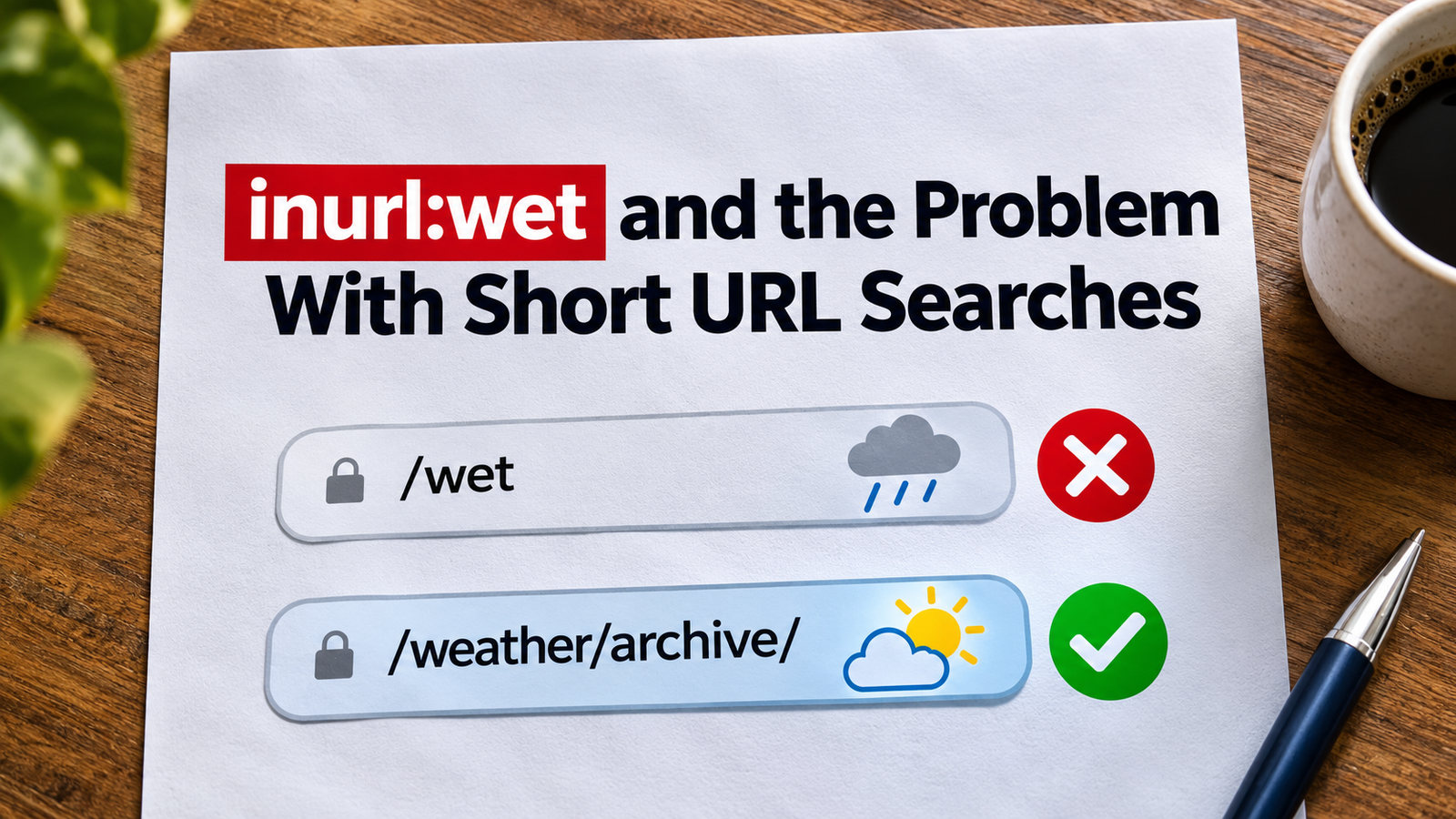
Start with the question the editor needs to answer. “Which addresses contain these three letters?” and “Which addresses use wet as a separate word?” produce different lists. A third question, “Which stories are about wet weather?”, requires reading titles or checking editorial categories too.
These hypothetical paths illustrate what happens when you filter your own export. They make no prediction about which pages Google will return.
| Example path | Contains “wet” as text? | Uses “wet” as a separate URL word? |
|---|---|---|
/weather/wet-weekend/ | Yes | Yes |
/travel/packing-for-wet-weather/ | Yes | Yes |
/nature/wetlands-restoration/ | Yes | No |
/fashion/wetsuit-care/ | Yes | No |
/weather/sunday-rain-outlook/ | No | No |
That third row is an easy false positive for someone building a weather list. The final row is an easy miss. If the goal is to update every rain forecast in an archive, take the URL list as one input and review the site’s weather category alongside it.
Build a list from the pages you manage
Begin with a list of published addresses from your CMS or XML sitemap. If the site maintains separate post and page sitemaps, include the ones that cover the part of the site you are auditing. Give each address a row and keep the current headline beside it. A third column for topic or category lets you group forecasts, travel advice and nature stories before anyone makes changes.
Filter the path for “wet.” Work from the path after the hostname where possible, and keep query parameters out of this comparison unless the audit calls for them. This keeps a match in the site name or a tracking value from adding unrelated rows.
Then check the context around each match. In a site that uses hyphens between words, /wet/, -wet- and /wet- are useful examples of where an editor might find the separate word. Check your site’s actual URL format before treating that pattern as complete.
For an archive refresh, the last column can be as simple as keep, review content or verify address. A good audit explains why a row needs attention. Discovering that the URL contains an old headline word is only the start of that decision.
Use Search Console to check search visibility
Once you have your URL list, open the Search results performance report for the property you manage. Add a Pages filter and choose URLs containing. Enter wet to see performance data for matching addresses within the selected date range. Google’s guide to advanced Performance filters also explains the custom regular expression option if you need to narrow the results.
Look at the Pages view when your question is about URLs. The Queries view groups the words people searched for. A rain outlook might receive impressions for “wet weekend” even if its address contains neither word. That is a useful clue about readers’ interests, but it answers a different question from the path audit.
For any one page you are unsure about, paste the full address into URL Inspection. Check the indexed report and, where relevant, the Google-selected canonical. Use the live test to assess the current page if the indexed version predates a change. The report and live test describe different points in time, so keep that distinction in your notes.
When does an old URL need a change?
Imagine the same weekend forecast now sits under an updated headline about Sunday showers. If readers can still understand the address and the page is covering the same event, the headline and article update may be all the work it needs. For new pages, Google’s URL structure guidance recommends readable words and hyphens between them.
A stronger reason to review an address is that it leads to the wrong story, points to a retired page, or duplicates another address for the same content. Start by checking what a reader sees when opening the URL. Then note the intended destination and any internal links that might need an update. One accurate note about the destination is worth more than a long list of three-letter matches.
For related checks, see our audit of old URLs and guide to slugs after headline edits.
Frequently asked questions
Will inurl:wet find pages with “wet” in the title?
The query is aimed at the address. A headline can contain “wet” while the address uses “rain,” and the reverse can happen after a headline edit.
Does a missing result mean my page is unindexed?
A missing result is inconclusive. Inspect the exact URL in Search Console to see the indexing details Google reports for your property.
Why does my URL filter include “wetlands”?
In a literal text filter, “wetlands” begins with those three letters. Check the full path and how the site separates words if you only want “wet” as a separate term.
Can I use the same audit for a seasonal archive?
Yes. Pair the URL filter with the site’s categories and headlines, especially when a topic has several common names. For weather, a separate pass for “rain” or “showers” can surface useful stories the first pass missed.

1 Comment
Pingback: inurl:.mil and How to Verify Official Public Sources