


QUICK ANSWER
inurl:2013 is a search query aimed at finding addresses that contain 2013. A matching address can point to a 2013 archive, a later retrospective or an older article that was updated. Check the page’s own date before citing it.
You’re researching a local project from 2013 and find a story whose address ends in /2013-project-timeline/. The page looks promising. Then you notice a byline from 2021. Both dates can make sense. One tells you when the project took place. The other tells you when the account of it was published.
That distinction matters if you want to quote what people knew in 2013. A later account may explain what happened with more hindsight. A report from the time gives you a record of what was known then.
What a year in a URL can mean
A publisher may put a year in an archive folder, build it into an article’s slug or preserve it after migrating a site. A year can also be part of the subject, such as a report title or the name of an annual event. Look at where the year appears and what the page describes before attaching a date to the source.
Google’s guidance on search operators notes that searches using operators depend on indexing and retrieval. If you are reviewing your own archive, your CMS or sitemap gives you an independent starting list of URLs. Search results can surface leads that you can then verify individually.
Read the date labels on the page
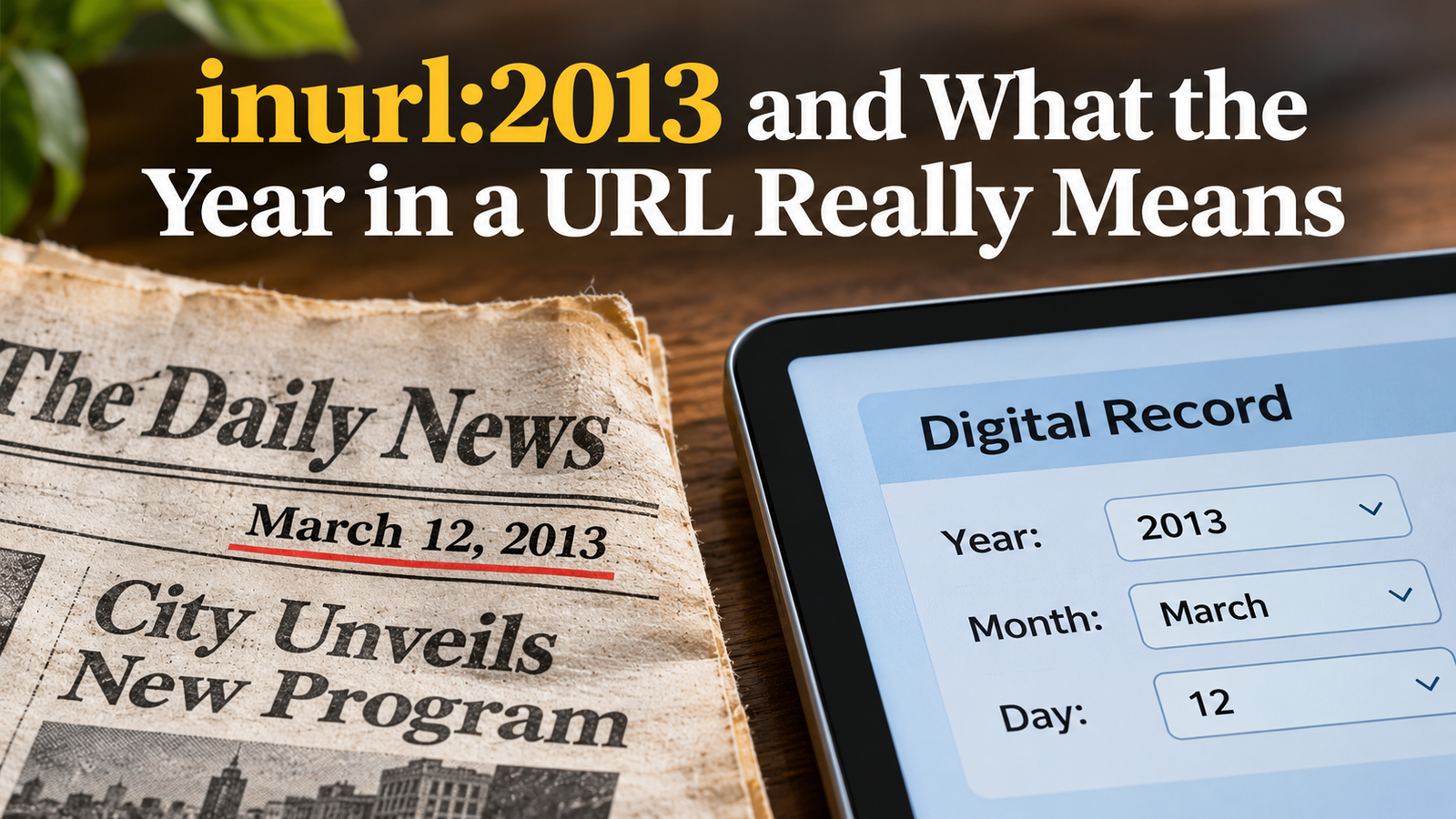
Open the article and look by the headline or byline for a visible Published or Updated label. Then read the first few paragraphs for the event date. On a page that has been republished or migrated, you may find a separate note about the original edition.
Google’s publication-date guidance explains that it estimates byline dates from multiple signals. It asks publishers to distinguish visible publication and update dates and to match those dates to the structured data where it is present. If the date shown in search differs from the one on the page, report what the page explicitly says and note any remaining uncertainty.
| Where you see 2013 | What it might describe | What to check |
|---|---|---|
An archive path, such as /2013/05/ | A publisher’s archive structure | Article byline and original issue |
A slug, such as /2013-project-timeline/ | The topic or event year | Publication date and event date |
| A page marked “Published 2013” | The date the publisher gives for first publication | Separate update or republication notes |
| A search result date | A search engine’s estimate | The dates on the current page |
Record both dates when they matter
For historical reporting, keep a short note with the source title, its publication date, the event date and the link. Add an update date if a revision affects the passage you plan to quote. This prevents a later correction, a revised figure or a newly added quote from being mistaken for part of the original coverage.
If you maintain the archive yourself, use the Search Console URL Inspection tool to inspect an exact URL. It can help you compare Google’s indexed information with the current accessible page. When the question is when the story first appeared, consult the publication records you control. Keep date notes even if the current permalink changed.
For outside archives, look for a dated issue, a document number or an original publication note. If all you have is a year in the address, use a description such as “the page about the 2013 project” rather than “an article published in 2013.” That keeps the wording tied to what you can verify.
For related checks, see our guide to slugs after headline edits and audit of old URLs.
Frequently asked questions
Does inurl:2013 show only pages published in 2013?
The query targets the address. A page may use 2013 in its URL because it covers an event or document from that year.
Can a 2013 URL still lead to an updated article?
Yes. A publisher can revise a story while keeping its original address. Look for an update label or an editorial note on the page.
What if a search result and the article show different dates?
Check whether the dates refer to publication, an update or the event. For a citation, use the date that the publisher explicitly assigns to the version you read when it is available.
Can I use URL Inspection on another publisher’s archive?
Use URL Inspection for a Search Console property you can access. For another publisher’s site, start with its visible archive records and the dates the publisher provides.
