


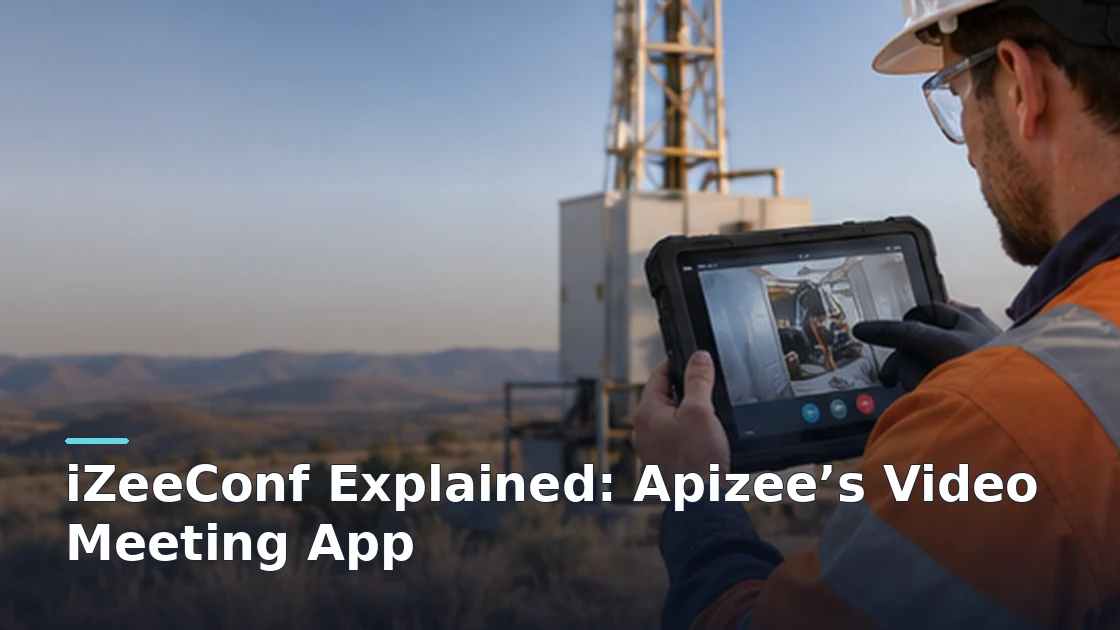
iZeeConf is a video meeting app published by Apizee. Its Apple App Store listing describes creating, managing, and joining remote meetings, with tools for sharing a view of something, taking remote snapshots, and adding real-time annotations. Those last two features are especially relevant when a call is about an item, installation, or worksite that only one participant can see in person.
What the app listing confirms
Apple lists the product as Izeeconf. The information identifies Apizee as its provider and describes the software as a way to participate in remote meetings from a meeting room, an office, or another location. It also names snapshots and annotations as meeting tools. Treat the listing as documentation of the advertised app. Current availability, device requirements, and the way an organization grants access can vary.
There is a second source of possible confusion. Apizee’s website today presents its broader products in terms of remote visual support and field service. Documentation for those services can help explain the kind of work the company supports. An option on a current platform page may belong to a particular product, plan, or organization’s setup. Verify the details of the specific invitation or account you intend to use.
What snapshots and annotations add to a call
A typical meeting works well when people mainly need to talk or show documents. When the subject is a physical item, a camera can provide information the person at the site would struggle to describe. An expert might need to see how a part is aligned, which fault indicator is lit, or which label identifies a particular unit.
A snapshot turns that part of a video stream into a still frame. The still image gives participants time to examine a detail without relying on the person holding the camera to hold the same angle. An annotation can point to a specific area, such as a location on a panel. If someone sends a marked-up image after the session, the next person can see exactly what the group was discussing.
Screen sharing and camera sharing also have different jobs. Screen sharing helps when the important information is on a computer display. A live camera helps when the important information is in the room. Apizee describes both kinds of activity across its remote-support offerings, but the workflow for starting either can depend on the product and permissions.
How to prepare for a visual assistance call
Start with the one thing that needs to be identified or shown. An appliance model number, a control panel, or a clear view of how one part fits next to another makes a better opening shot than a wide sweep of the whole space. Check in advance whether the device can focus on small text. Where safe and practical, use separate light to reduce glare and show fine detail.
Confirm who is hosting and how participants are supposed to join. This is especially useful with an older invitation or a setup that depends on a particular workplace account. Open the meeting link close enough to the call to detect permission issues in time. Ask your host what device or browser they expect you to use if the invitation is unclear.
Check what can appear in the frame. Documents on a desk, nearby badges, patient or customer information, and displays showing unrelated company data can all end up in a snapshot. If the session is part of an employer’s support process, find out whether still images or recordings may be retained, who can view them, and how to keep sensitive material out of the shot.

How teams can evaluate a current Apizee offering
Apizee now markets remote visual support for customer service and field technicians. Its materials describe applications ranging from guiding a customer to inspecting equipment remotely. An organization comparing plans should test with the kinds of work its staff actually do. A contact center may prioritize simple invitations for customers. A field service team may care more about checklist completion and what happens after a technician submits a report.
Choose a short trial workflow and ask each participant to carry it out. See whether a customer can join from the device they already have. Check whether a support agent can cleanly point out the right object. If images are needed after the call, verify how the participants can retrieve them and whether they are attached to the relevant support record.
Trustify News’s IT service agreement guide covers the broader questions that belong in a support arrangement. For video assistance, those include who answers requests, when escalation is available, and who handles the information gathered during a session.
What to do when the camera feed is hard to read
Give the person holding the camera a fixed point to aim at before asking for fine detail. A wide shot can tell a support agent where an object is, while a closer still can capture one label or fitting. If the video looks soft or keeps changing focus, ask the host whether a still image or a typed identifier would give them better evidence.
At the end of a workplace session, confirm what everyone agreed to and who will take the next action. A clear note can record the object the expert inspected, the image that supports the finding, and which detail still needs an in-person check.
How current Apizee documentation is organized
Apizee’s current help portal lists separate guides for Meetings, visual assistance, and other products. That organization matters if a search for iZeeConf brings up instructions that look nothing like the screen in front of you. Meeting guests, account administrators, and employees handling assistance tickets may be reading different guides because they have different responsibilities inside the platform.
The French documentation directory also lists Izeeconf guidance associated with MAIF. That is an example of a named deployment having its own instructions. If your invitation comes from an employer or insurer, match the organization and exact product name before relying on generic steps. The sender may have branding, permissions, and invitation rules that apply only to its own setup.
What an invitation can tell a support agent
Apizee’s documentation for its multi-participant assistance product describes a timeline that can show when a ticket was created, an invitation was sent, or the guest opened or responded to it. Those status details can help a support agent decide which step needs attention. The documentation applies to the assistance product it names. The iZeeConf mobile listing does not establish that its meetings have the same ticket timeline.
If a guest cannot join, the distinction between an unopened link and a page that opened but never reached the call is practical. In the first case, check where the sender addressed the invitation and whether the correct message arrived. In the second, ask what the guest sees and confirm the device can grant the requested camera or microphone permission. When both users have entered the session but there is no picture, the problem may be a camera setting or the device currently selected.
An example from field service
Apizee describes a deployment in which Enedis used Apizee Diag to connect field technicians with supervisors. It illustrates the commercial use case for remote visual assistance. The company’s own field-service materials also describe workflows involving inspections and follow-up reports. That is a broader service than the mobile meeting app described by Apple.
For a team choosing between a general meeting tool and a dedicated assistance product, ask who needs to initiate calls, whether the guest receives a separate invitation, and what record the agent needs to keep. If the task ends when two coworkers finish discussing an item, a simple meeting may serve the job. If an inspection must be documented, the team should test the part of the workflow that transfers decisions, photos, and notes to the system where the work is tracked.
FAQs
Is iZeeConf made by Apizee?
Yes. Apple’s listing identifies Apizee as the provider of the iZeeConf meeting app.
Does iZeeConf support annotation?
The App Store description advertises real-time annotations and remote snapshots. Ask the meeting host which tools and permissions apply to your session.
Is every Apizee product called iZeeConf?
Apizee currently markets several visual-support and field-service products. Use the name on your invitation or account to identify the service you have been asked to use.
